How to convert VHS tapes to digital in 2026
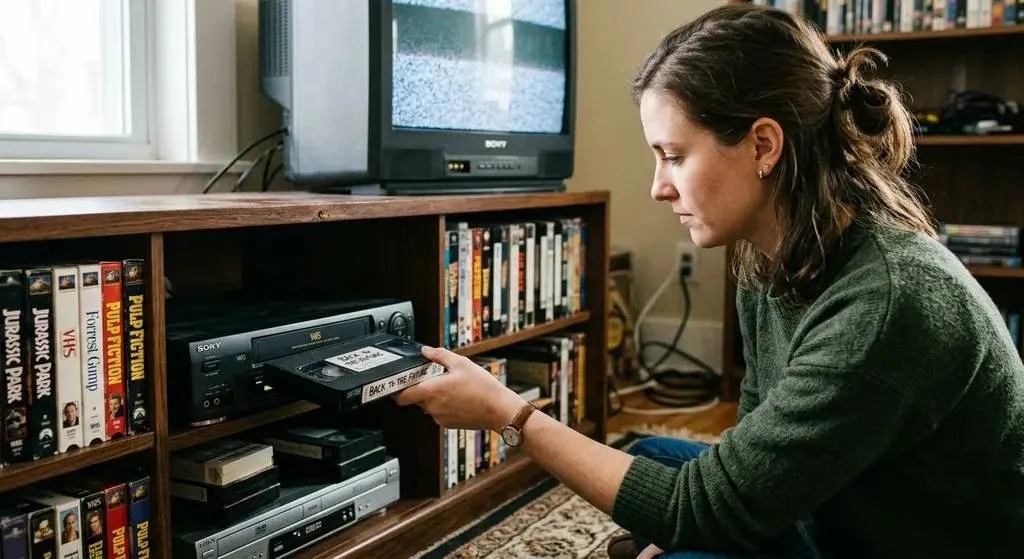
VHS tapes were never built to last. The magnetic particles that hold your video slowly lose their charge, and the lubricant layer that keeps the tape running smoothly breaks down on its own. Heat, humidity, and a dusty garage speed things up, but even tapes stored properly are degrading. Most tapes from the ’80s and ’90s are already well into this process.
We’ll walk through every way to get your tapes into digital files, what each option actually costs, and how to figure out which one makes sense for you.
Why your tapes can’t sit much longer
VHS tapes last somewhere between 10 and 30 years under good storage conditions. “Good” means a cool, dry, climate-controlled space. A closet in an air-conditioned house counts. A box in the attic does not.
Even under decent conditions, tapes lose 10–20% of their picture quality within the first couple of decades. The signal fades gradually, and you won’t notice until you try to play the tape and the picture looks washed out, or the colors are wrong, or entire scenes are just gone.
Once that footage is lost, it’s gone. You can’t recover a signal that isn’t there.
Option 1: Do it yourself
DIY is doable, but it takes more time and money than most people expect.
What you need
- A working VCR (new ones haven’t been made since 2016, so you’re buying used for $50–$150)
- A USB capture card ($30–$90 depending on the model)
- Capture software (some cards include it, or OBS is free)
- A computer with enough storage space (one tape can use 5–10 GB)
How it works
You connect the VCR to the capture card, plug the card into your computer, press play, and hit record. The tape plays in real time, so a two-hour tape takes two hours. There’s no way to speed it up.
What it actually costs
The capture card is cheap. The VCR is the tricky part. You’ll also want to test it with a tape you don’t care about before running your family’s memories through it. All in, expect $150–$300 before you’ve digitized a single tape.
The honest take
If you have 30+ tapes and you’re comfortable with tech, the per-tape math works out and DIY is a reasonable choice. But if you have 5–10 tapes, you’ll probably spend more time troubleshooting than digitizing.
A few other things to know. Consumer VCRs and capture cards give you a standard-definition copy, nothing more. And if a tape has physical damage (mold, a cracked shell, a crinkled ribbon) running it through a consumer VCR can destroy it. Damaged tapes need professional equipment.
Option 2: A professional digitization service
You mail your tapes to a company. They digitize them. You get files back. That’s about it.
How it works
Pack up your tapes, ship them in, and get digital files back on a USB drive, a download link, or both. Turnaround is usually 4–6 weeks.
What it costs
Most services charge $15–$35 per tape, plus shipping and delivery fees. A box of 10 tapes will run you $200–$400 total.
What you get
Better quality than DIY. Professional services use commercial-grade equipment that pulls a cleaner signal from the tape, with more accurate color and properly synced audio.
The tradeoff is that most standard services deliver a straight digital copy. Your footage is preserved, but it still looks like VHS. Soft, grainy, with the visual quirks you remember from the ’90s. That’s the limit of what a digital transfer does.
Who this is for
Most people. If you have a normal-sized collection and don’t want to spend a weekend wrestling with capture software, this is the way to go.
Option 3: Professional digitization with AI restoration
Standard digitization gives you a faithful copy of the tape. Our HD restoration goes further. After digitizing, we run the footage through restoration software that cleans up the picture: less grain, sharper details, corrected color, more stable footage.
What it can do
Side by side, restored footage looks noticeably better than a raw transfer. Colors look right again. Faces are sharper. The picture stops feeling like you’re watching through a window that hasn’t been cleaned in 30 years.
What it can’t do
VHS was a low-resolution format, and restoration can’t invent detail that was never recorded. It makes the most of what’s on the tape, but it won’t turn home video into something it never was.
Which option fits your situation?
Here’s the short version:
-
DIY works if you have lots of tapes, some tech comfort, and the time. $150–$300 to get started, then free per tape. You get a standard-definition digital copy with no cleanup.
-
A professional service is worth it for most people. $15–$35 per tape for a clean digital copy, no hassle.
-
Professional service with AI restoration is for the tapes that really matter. Varies by provider, but you get restored, sharpened, color-corrected footage.
Any of these is better than leaving your tapes in a box for another ten years.
What to do next
Pick whichever option makes sense and get moving. The footage on your tapes has been fading for years. That part doesn’t stop.
If you want to go the DIY route, grab a capture card and a used VCR and block off a weekend. If you’d rather have someone else handle it, find a service you trust.
And if you want your tapes digitized and restored, that’s what we do. You can reach out whenever you’re ready. No pressure. We’ll be here.
